news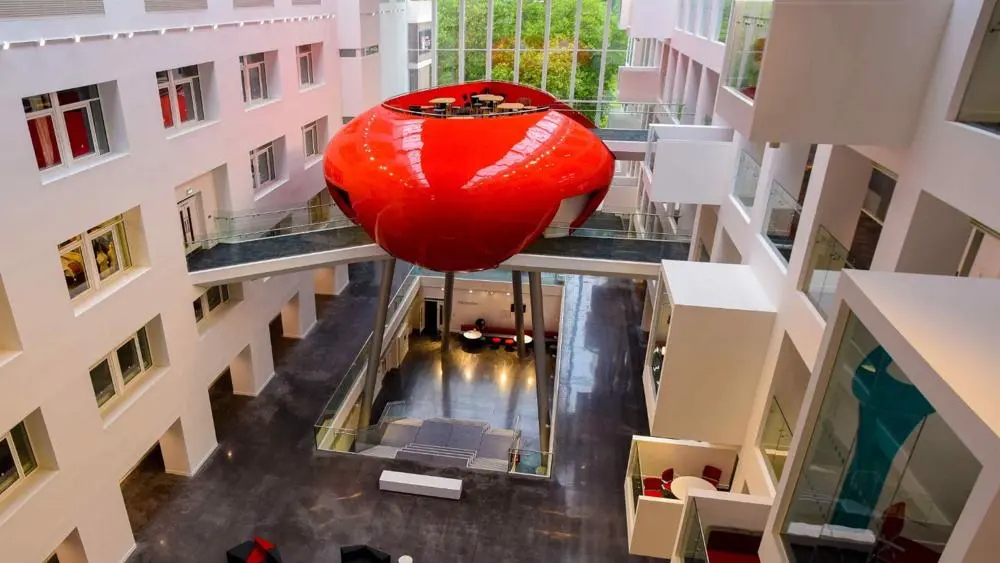
General
The Spark 10th anniversary trail
Explore Southampton, snap your selfies and you could win a £25 voucher and your very own mini Pod!
5 November 2026
20 June 2023
New security question mark icons and tip banners are being introduced to our email platform
Due to ongoing efforts to highlight potentially malicious emails, you will shortly see safety tips display when viewing your emails. These safety tips are there to alert you that there is something unusual about the email and that the sender may not be who they say they are.
This does not necessarily mean that the email is malicious but it is highlighting that there is something to be aware of. If you do notice anything suspicious about an email, you can always report it through the Report Spam or Report Phishing buttons in Outlook.
Find out more about phishing >
You will get notifications via a question mark icon in the profile and a safety tip banner at the top of the email, these include:
The first contact safety tip may be displayed if you receive an email from someone that hasn’t emailed you before.
The tip is designed to remind you to be careful about clicking on links or opening attachments from unknown senders. You may see a '?’ in the profile with 'You don't often get email from:' tip in the banner.
This may be displayed if you receive an email that appears to be from someone who has emailed you before, but the email address is not the same email address as they used previously.
This tip is designed to remind you to check that it is indeed the same sender prior to clicking on any links or opening any attachments. You may see a '?’ in the profile with a ‘appears similar to someone who previously sent you email but may not be that person’ tip in the banner.
This will appear if you receive an email and the sender's email address uses unexpected letters or numbers, possibly trying to make the email address appear to look the same as one that you trust.
You may see a '?’ in the profile with a ‘The email address XX@XX includes unexpected letters or numbers. We recommend you don’t interact with this message’ tip in the banner.

Tags:
Explore Southampton, snap your selfies and you could win a £25 voucher and your very own mini Pod!
5 November 2026
We'd like to remind students of the importance of attending your studies and the support available if you are struggling
29 October 2026
Whatuni will be on campus collecting your reviews on Thursday 29 October. It only takes a few minutes.
27 October 2026
With winter approaching, here's how we're preparing to keep the campus warm and comfortable
21 October 2026